
Steps
- Open your website in editing mode. You sign in without a password, using a link from an email.
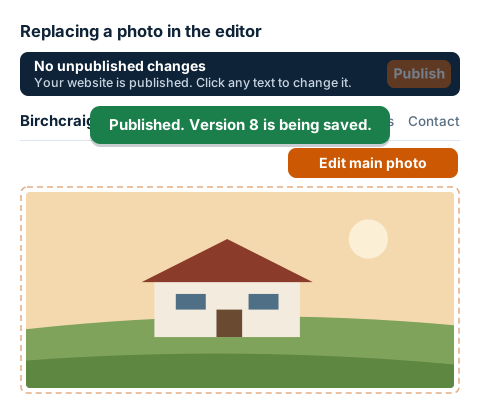
- Above the photo, click the orange Edit main photo button. Depending on your website, it may have a different name, for example Edit project photos or Edit room cards. For cards and galleries, then click the row in the window whose photo you're changing.
- Next to the photo, click Upload another photo (if there isn't one yet, Upload photo) and choose a file. JPEG, PNG or WebP work well. The editor reduces a large photo from a mobile to 1600 px before uploading it.
- Rewrite the Photo description for search engines and blind users: briefly, what's in the photo. Search engines read the description, and screen readers read it aloud to blind people.
- Click Save. You'll see the new photo on the page straight away, but for now only you can see it: an unpublished change is added to the bar at the top. The photo and the description count separately.
- When everything is as it should be, click Publish on the bar. Only then does the photo change on the public website.