
Steps
- Open your website in editing mode. You sign in without a password, using a link from an email.
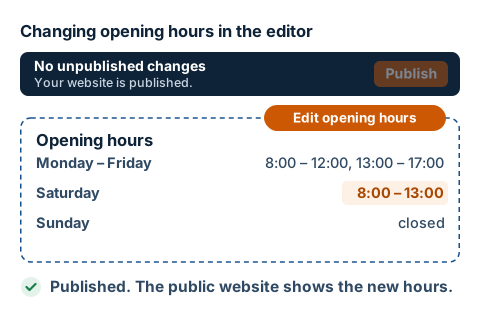
- On the opening hours element, click the orange Edit opening hours button. Depending on your website, it may have a longer name, for example Edit surgery opening hours.
- In the window that opens, click Edit opening hours once more.
- For each day, tick whether you're open and fill in the times from and to. Enter a lunch break in the second block, after break. A day without a tick is closed.
- Click Save. You'll see the new hours on the page straight away, but for now only you can see them: the bar at the top says 1 unpublished change.
- When everything is as it should be, click Publish on the bar. Only then does the public website change.